
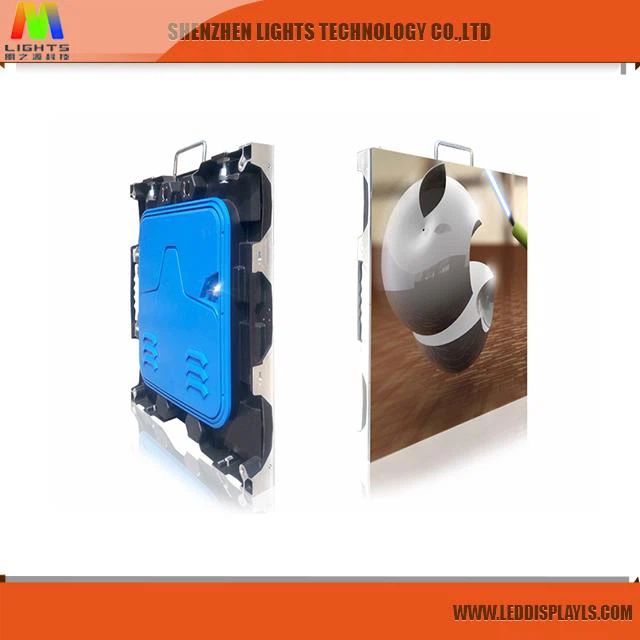
Ultra high brightness
The LED color large screen can represent the sky and the ocean for 3D animation. The new generation of red, green and blue ultra-high brightness LEDs has achieved unprecedented performance, and can realize splicing display. It uses BSV LCD splicing technology to achieve large-screen high-brightness display.
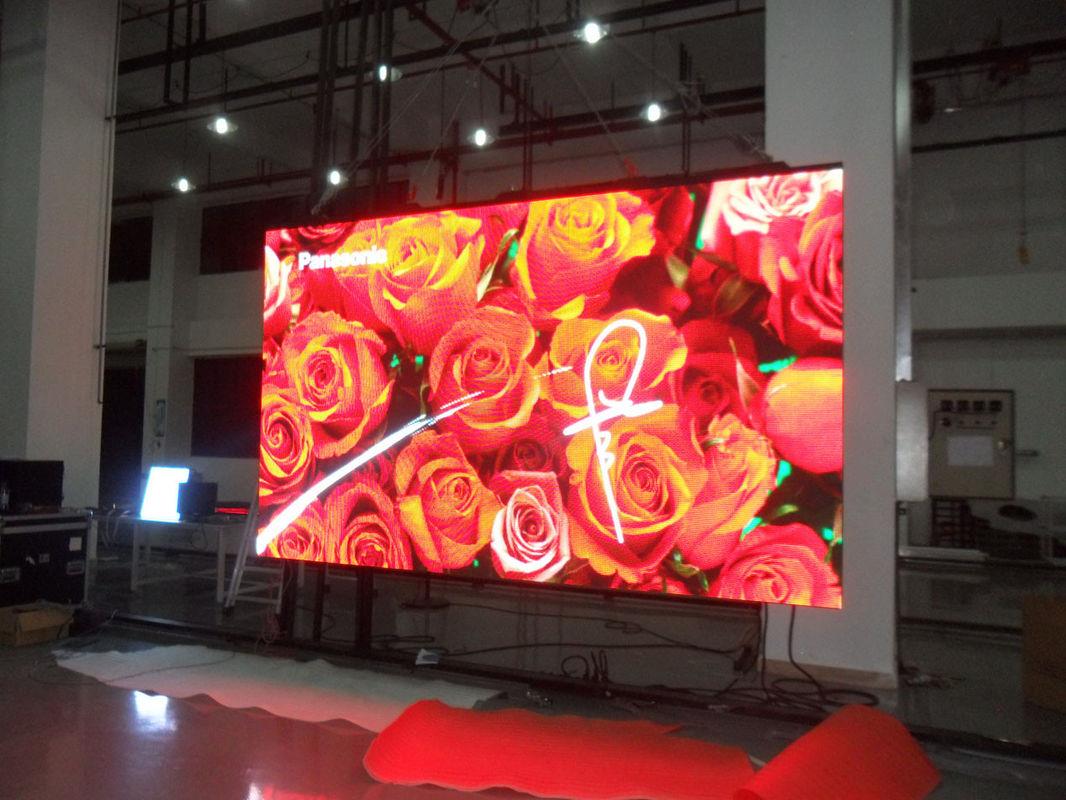
High-end display technology
High contrast, vivid and vivid colors.The gray level reaches 14 Bit, and the image level, resolution details and display effect are exquisite and colorful.

Light weight, thin structure
led rental display light weight, thin structure, hoisting and quick installation function, perfect for fast installation, disassembly and handling requirements of rental occasions.

Product Parameters
| Pixel Pitch | 4mm |
| Pixel Density | 62500 doys/㎡ |
| Module Resolution | 64*32 dots |
| LED Type | SMD2121(3 IN 1) |
| Brightness | >1500 cd/㎡ |
| Scan Mode | 1/16 |
| Cabinet Size(mm) | 1024*1024 |
| Average Power Consumption(w/㎡) | 350-600 |
| Input Voltage | Ac220V/50Hz Ac110V/60Hz |
| Protection Level | IP43 |
| Lifespan | 100,000 hours |
| Refresh Rate | 1920Hz |
| Horizontal/Vertical View Angle(degree) | ≤120° |
| Gray Scale | 14 BIT Recommended |
Pcakaging
For Iron cabinet of indoor and outdoor LED display screens, we use wooden case to pack, For die-casting aluminum cabinet of LED rental stage display screen, we use flight case to pack. One wooden case include 2 cabinets, one flight case include 6 die casting aluminum cabinets By air or by sea! FOB or CIF

FAQ
How to solve the black screen phenomenon of LED display
The LED display screen is widely used in various industries to display various information such as text, graphics, images, animations, quotes, videos, video signals, etc., playing various roles and becoming an indispensable part of many industries. However, in practical applications, the LED display will inevitably encounter various faults, especially the black screen phenomenon of the LED display. Let's analyze the factors of the black screen of the display:
It is understood that 80% of LED display failures are the following factors: wiring harnesses for AC power distribution, terminals, connectors, signal and low-voltage DC connection harnesses and connectors, switching power supply modules, fans, plastic housing components. If these interfaces, cables, power supplies, and bottom cases are not selected, the LED display will be black or white, with a gray screen, mosaic, no signal, etc.
In the process of using the control system, occasionally there will be a black screen on the LED display. The same phenomenon can be caused by a variety of different reasons, and even the blackening of the display can vary from operation to operation or from environment to environment. For example, it may be black at the moment of power-on, or it may turn black during the loading process, or it may turn black after sending.
For the black screen problem in the process of using the control system, the main solutions are:
1. Please ensure that all hardware including the control system is properly powered. (+5V, don't reverse, get wrong)
2. Check and repeatedly confirm whether the serial cable used to connect to the controller is loose or loose. (If it turns black during the loading process, it is probably caused by this reason, that is, the communication line is interrupted due to loose communication, so the screen is black.)
3. Check and confirm whether the LED display and the HUB distribution board connected to the main control card are tightly connected and inserted.
4. Please check and confirm whether the 50-core cable between the connection control card and the HUB distribution board is loose or plugged.
5. If your display interface definition does not match the provided HUB board, a black screen will appear. Please check if your jumper is loose, open or shorted. If you think that the signals such as ABCD have been matched one by one, please check if the OE signal is connected correctly. (It is strongly recommended to use the HUB distribution board that matches the definition of the display interface.) If all of the above are carefully checked, the black screen problem is solved naturally.


